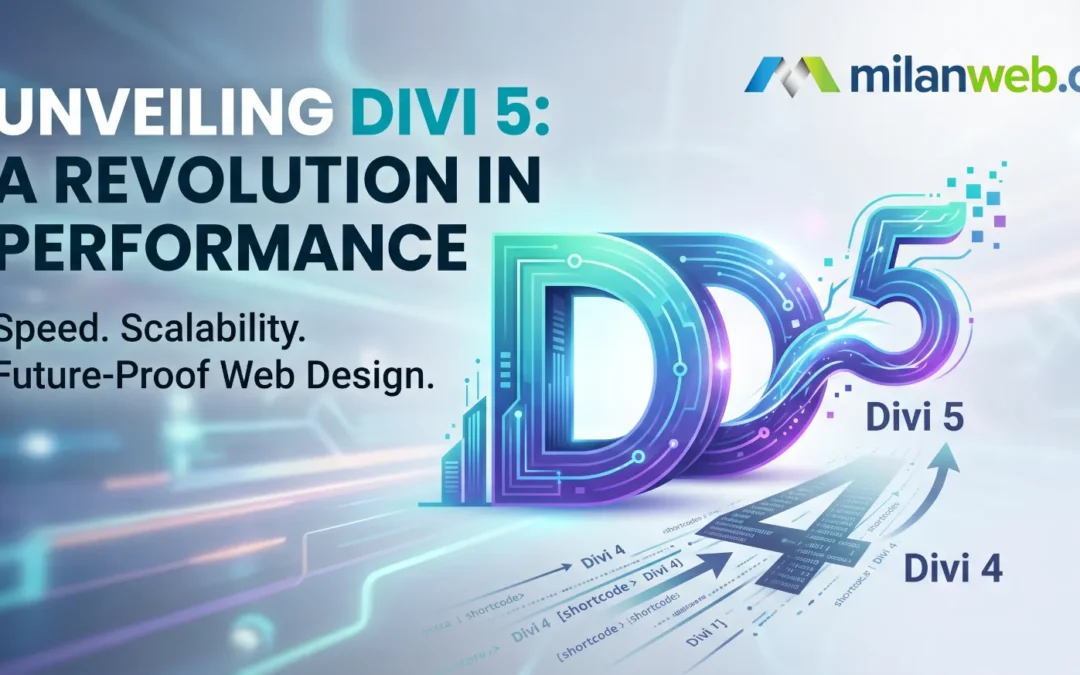
Divi 5 has officially arrived, and it marks the most significant evolution in the history of Elegant Themes. At Milanweb, Divi is our go-to framework, it’s the engine behind almost every website we build. Its versatility allows us to create stunning, custom designs while providing our clients with an intuitive editing experience.
With the release of Divi 5, the “Future of Divi” is here. This isn’t just a skin-deep update; it is a complete ground-up rebuild designed for lightning-fast performance and modern web standards.
What’s New in Divi 5?
The jump from Divi 4 to Divi 5 is all about speed, stability, and scale. Here are the key features you need to know:
1. Blazing Fast Performance. Divi 5 has ditched the old shortcode-based system in favor of a modern, high-performance architecture. This means the Visual Builder loads instantly, and making design changes is snappier than ever. Your website’s backend and frontend will both see a significant speed boost.
2. No More “Shortcode Mess” In previous versions, if you ever deactivated Divi, you were left with a “shortcode soup” of messy code. Divi 5 uses a new storage format similar to the WordPress block system. This creates cleaner code and ensures your site is future-proof.
3. Composable Settings & Complete Site Editing. The new Composable Settings allow for much deeper customization of sub-elements within modules. Additionally, with Editable Theme Builder Areas, you now have complete control over every inch of your site directly within the visual interface.
4. Improved Responsive Design Tools. Mobile-first design is easier than ever. The new interaction and responsive tools allow you to tweak your site for phones and tablets with more precision and less effort.
How to Update from Divi 4 to Divi 5
Because Divi 5 is a core architectural rewrite, the update process requires a bit more care than a standard one-click update. We recommend a cautious approach to ensure your site remains stable.
Step 1: Backup Your Website
Before touching anything, perform a full backup of your files and database. Use a tool like UpdraftPlus or a hosting-level snapshot. Never skip this step!
Step 2: Use a Staging Site
We strongly advise against updating a live production site immediately. Clone your website to a staging environment first. This allows you to test the new version without any risk to your visitors.
Step 3: Run the Divi 5 Migrator
Once you’ve installed Divi 5, you will find a new Divi 5 Migrator menu in your WordPress dashboard.
Compatibility Check: Divi will scan your site for any third-party plugins or custom code that might not be ready for the new version.
The Migration: If everything is clear, run the migrator to convert your Divi 4 shortcodes into the new Divi 5 format.
Step 4: Visual Review
Check your global styles, headers, and footers. While the migrator is designed to be seamless, complex layouts may occasionally need a quick “touch-up” in the new builder to ensure they look exactly as intended.
Why This Matters for Your Business
As our favorite theme, we’ve seen how Divi empowers business owners. Divi 5 takes that power further by improving SEO through better site speeds and providing a more reliable foundation that won’t slow down as your business grows.
If you are a Milanweb client, rest assured that we are here to help you with the transition and ensuring compatibility. We handle the technical heavy lifting so you can enjoy the benefits of the most advanced web builder on the market.
Ready to see what Divi 5 can do for your brand? Contact us today to discuss your next project or a managed migration for your current site.